

Speedy EEVEE Tricks and Settings
EEVEE may be designed with speed in mind, but there are several tricks and settings you can follow to speed up the process even more, reducing your render time.

EEVEE may be designed with speed in mind, but there are several tricks and settings you can follow to speed up the process even more, reducing your render time.
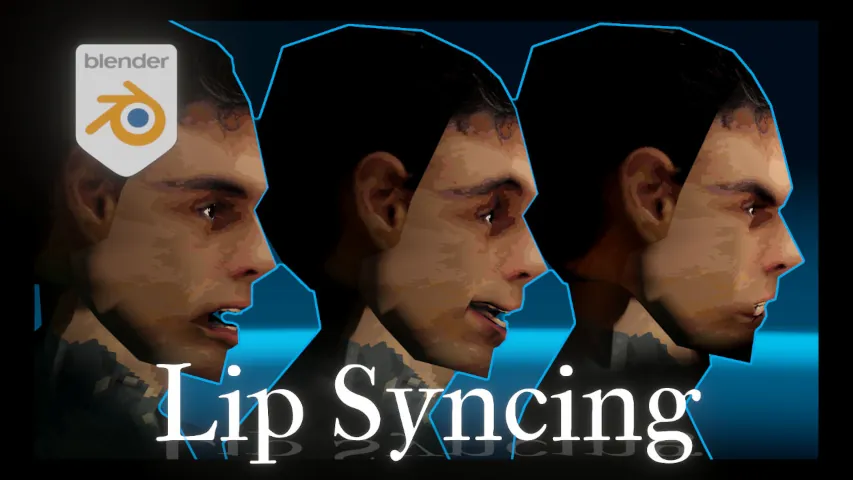
You have all the shape keys you need and have rigged them to your model. Now the question remains for how
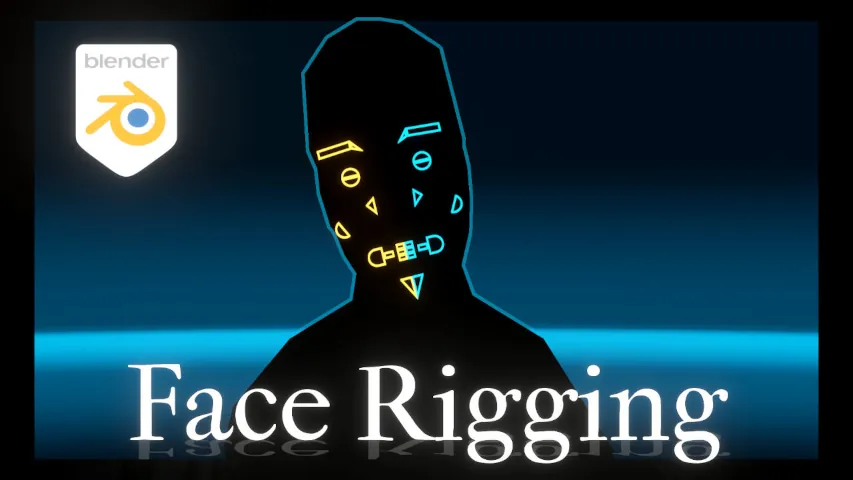
Now that you’ve created your shape keys, how can you properly manage and animate with them?
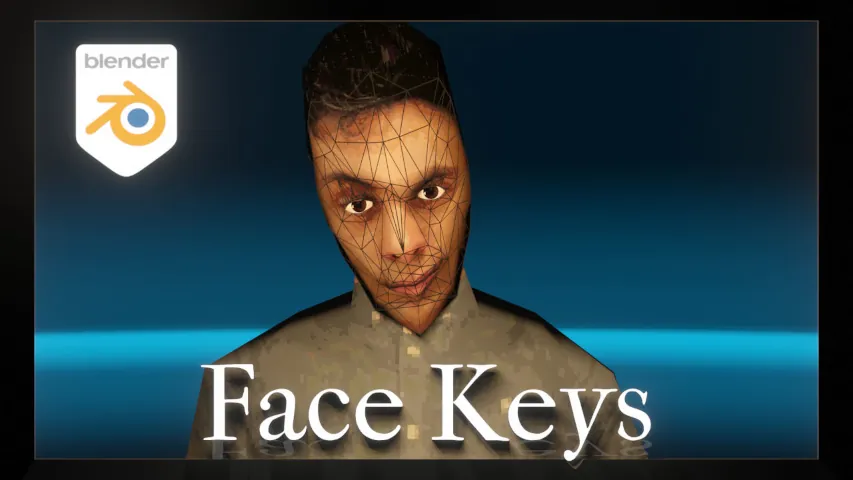
Using Shape Keys, setting up facial expressions and animating lips can be a tricky process. Come here to see how
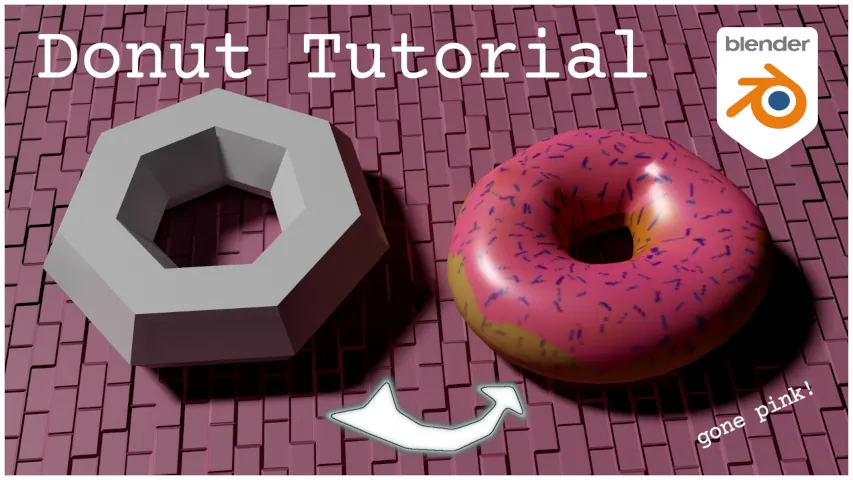
Wish to become a Blender donut God? Look away no more and enter this quick tutorial which will create the roots for your ascention in 3D creation.
A Motion Tutorial that shows how you can seamlessly loop ‘root motion’ from an animation. This has several uses,
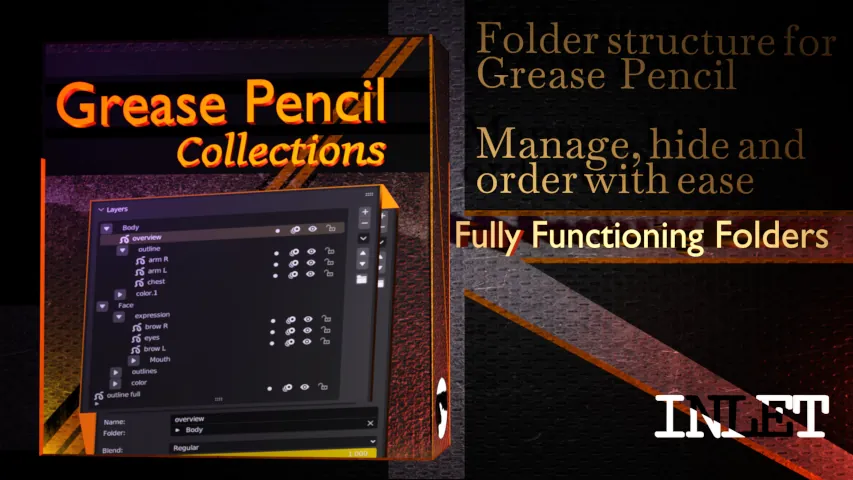
Blender’s Grease Pencil generates lots of layers, so now you need an addon to group and organize them for maximum efficiency of your workflow and…

Create a cycle of actions: your object will follow a consecutive path without losing its coordinates in comparison to default Blender’s addon…

Produce epic creations with Retro era graphics (PSX) in Blender’s plugin. With dithering and vertex snapping for your scenes and materials…

UV mapped textures and materials, including procedural, are combined into 1 texture in Blender’s addon, eliminating any need for external software.